PDF or Word? Choosing a file format for your resume
Follow the employer’s instructions and check the exported document before deciding which resume file to send.
 Sofia Chen
The best starting point for choosing a resume file format is the application itself. An employer may specify a file type, set an upload limit, or ask you to enter your experience into separate fields.
Read those instructions before exporting. A polished file is only useful if the employer can open and process it.
Use the requested format
If the application asks for a Word document, send one. If it asks for a PDF, use that. Where several formats are accepted, choose a supported option and inspect the final file carefully.
Keep an editable source version of your resume so you can make changes without trying to recover text from an export later.
Check a PDF for readable text
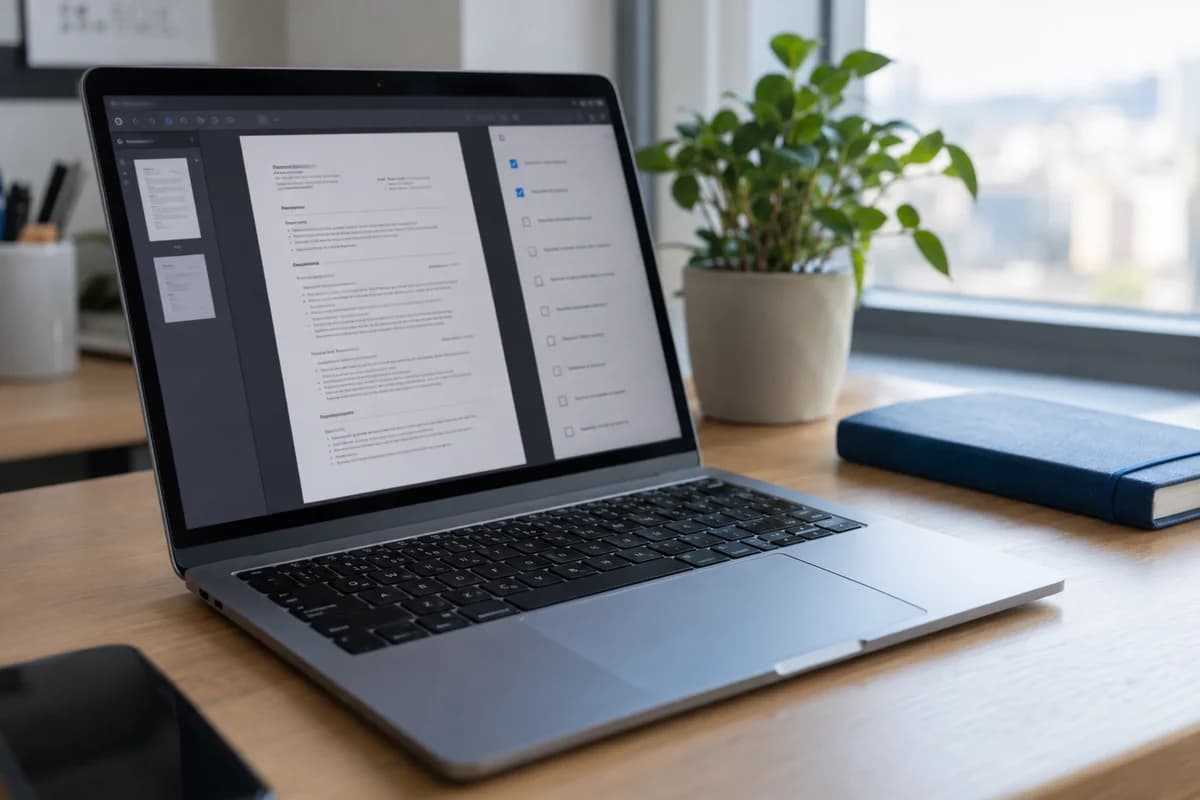
A PDF can preserve the document's layout, but the result still needs inspection. Open the exported file and check the text, links, and page breaks.
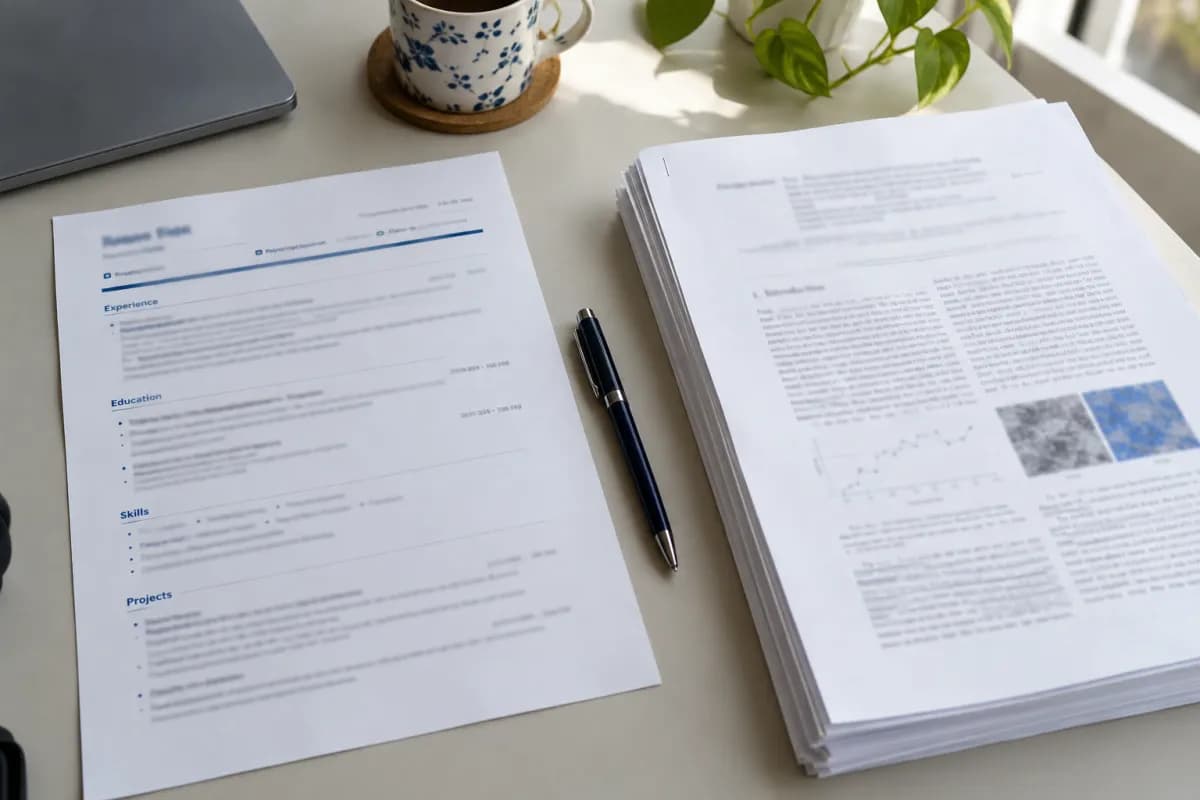
Try selecting and copying a paragraph into a plain text editor. If the document consists only of a scanned page image, a reader or processing tool may not receive the text you intended. This check is useful for spotting obvious problems; it does not reproduce every employer's software.
Check a Word file after exporting
Open the exported Word document in a compatible viewer. Look for changes in line wrapping, margins, bullet indentation, and the placement of dates.
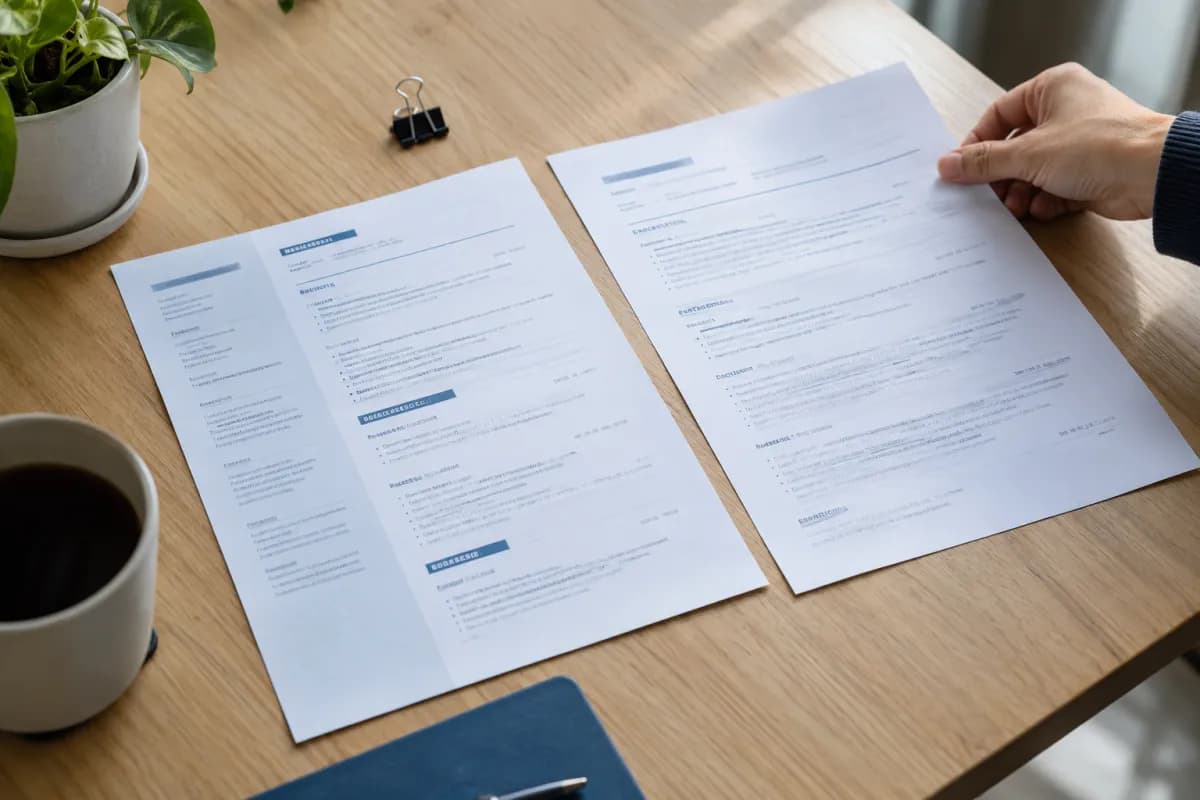
Do not assume a template preview guarantees an identical result in every viewer. Leave enough room in the layout to accommodate small differences and follow the employer's instructions about editing or naming the document.
How PDF and Word compare
When an employer accepts both, these differences can help you decide:
| Word | ||
|---|---|---|
| Layout | Usually stays as you set it | Can shift between viewers |
| Editing | Harder to change after export | Easy to edit |
| Works well when | The layout matters and PDF is accepted | The employer or a recruiter needs to edit it |
| Check before sending | Text can be selected and links work | Fonts, bullets, and page breaks hold up |
Many applicants use a PDF when they have the choice, because the layout is more likely to stay as intended. A recruiter may still ask for a Word file so they can add notes or reformat it for a client. That is a normal request, and it is one more reason to keep an editable version.
When a plain text version helps
Some application forms ask you to paste your resume into a single box. Formatting usually disappears when you do this, so prepare the text first.
Copy your resume into a plain text editor and tidy what remains:
- Replace decorative bullets with simple hyphens.
- Put each job title, employer, and date on its own line.
- Remove text from columns that became jumbled.
- Add a blank line between sections.
Keep this version with your other resume files so you can reuse it quickly.
Keep the file easy to receive
Check the upload limit before you submit. Large images and unusual embedded fonts can increase file size, and a simpler layout often solves the problem. Avoid password protection, because the person receiving the file may not be able to open it.
When you send a resume by email, attach the file unless the employer asks for a link. If you must share a link, open it in a private browser window to confirm that a reader can view it without signing in.
Review the uploaded application too
Some applications extract information into fields after an upload. Review those fields when the form allows it. Check contact details, dates, job titles, and education before submitting.
Use a clear filename, such as Alex-Morgan-Resume.pdf, and avoid sending a file with tracked edits or comments you did not intend to share.
For more ways to inspect structure and readability, see our guide to an ATS-friendly resume. Treat compatibility checks as part of the final review rather than a guarantee about the hiring process.