Make your resume easier for an ATS to read
Clear headings, sensible formatting, and relevant language can make your application easier to process and easier to review.
 Sofia Chen
An applicant tracking system helps employers organize applications. How a particular employer configures that system varies, so treat “ATS-friendly” as a goal for clarity and compatibility rather than a promise about getting an interview.
The practical starting point is a resume whose text, structure, and relevance are easy to understand.
What an ATS generally does
An ATS is mainly a record-keeping tool for hiring teams. It stores applications in one place and tracks each candidate’s progress. Many systems also read the text of a resume into fields such as name, employer, and dates, and let recruiters search or sort by words and phrases.
Employers can also add screening questions, such as whether you have a required license or the right to work in a location. Your answers to those questions may affect how an application moves forward, so read them carefully before submitting.
In most cases, people still make the decisions that matter. Your resume needs to work for the software and for the reader who opens it afterward.
Follow the application instructions
Start with the employer’s requirements. If the application asks for a particular file type, use it. If it includes separate fields for your experience, check those fields after uploading your document.
A successful upload does not tell you whether every field was interpreted correctly. Review your contact details, roles, dates, and education whenever the application lets you do so.
Use a straightforward structure
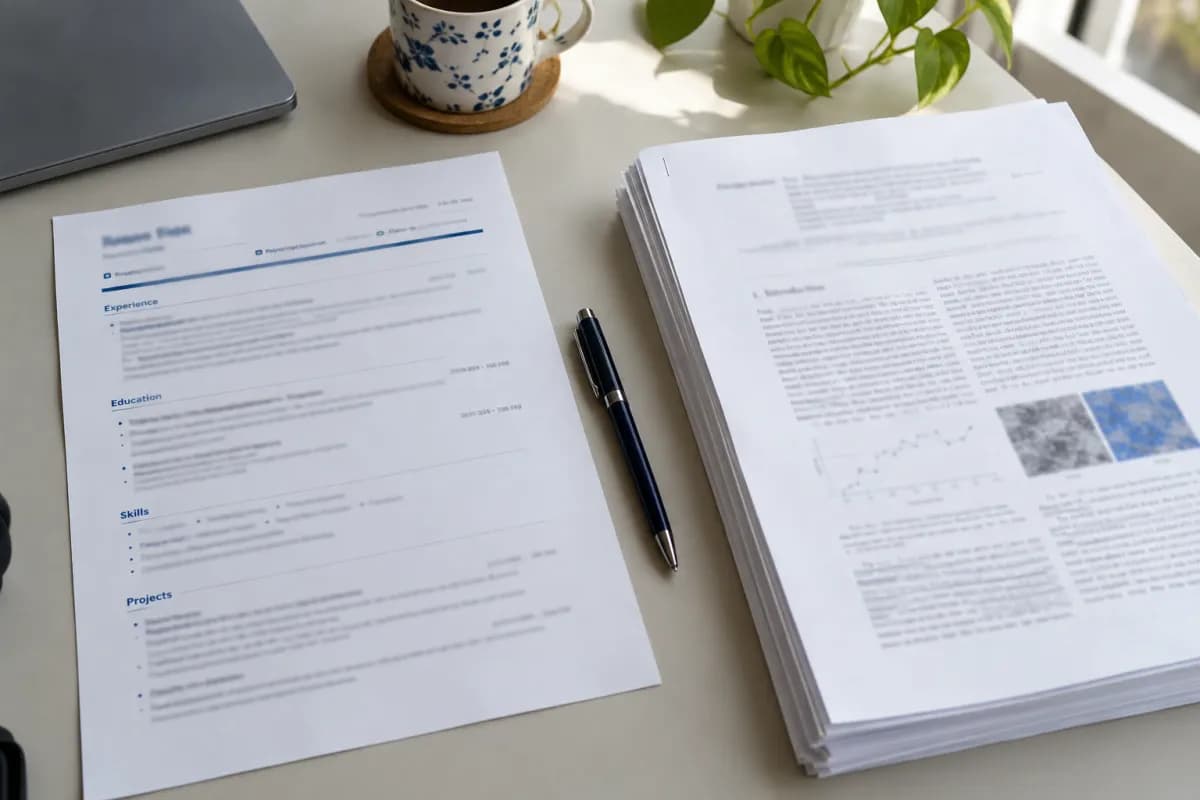
Familiar headings such as Work experience, Education, and Skills make a document easier to navigate. Put important details in the main flow of the document instead of relying on decorative graphics to explain them.
Use text for skill names. A row of rating dots might look tidy, but it gives a reader less information than a short list of tools and examples of where you used them.
If you are unsure about a layout, try copying the exported text into a plain text editor. Check whether the reading order remains understandable. This is a useful inspection step, not a simulation of every employer’s software.
Match language to your real experience
Read the job description and notice the language it uses for work you have actually done. If it asks for “customer onboarding” and you have relevant experience, use that phrase naturally and explain the work.
Avoid adding unrelated keywords or hidden text. A useful skills section is consistent with the examples elsewhere in your resume and with what you could discuss in an interview.
Write for the person who will review your application, while keeping the document simple enough to process.
Check the details that are easiest to misread
Some layout choices can be harder for software to read, even if they look clear on the page. Give these elements extra attention if your resume uses them:
- Contact details placed only in a page header or footer.
- Text boxes and layouts with several columns.
- Tables used to position your experience.
- Icons that replace labels such as “Email” or “Phone.”
- Text that exists only inside an image.
- Unusual fonts or symbols.
You do not have to avoid all of these in every situation. Many applications handle them without trouble. They are simply the first places to look if your uploaded details appear jumbled.
Keep titles and dates in a standard form
Consistent patterns help both people and software follow your history. For each role, include your job title, employer, location if relevant, and dates in the same order.
A clear date format such as “March 2023 – June 2025” is easy to read. Use it throughout rather than mixing it with other styles.
For qualifications and tools, consider using both the full name and the abbreviation when you first mention them, such as “Bachelor of Science (BSc)” or “Customer relationship management (CRM).” A recruiter might search for either version.
Treat a score as feedback
A resume checker can suggest areas to inspect, such as missing sections or content that needs more detail. Its score describes that checker’s evaluation. It does not reveal an employer’s internal criteria or guarantee a hiring outcome.
Use feedback to decide what to review, then make an informed edit. Keep the final job description and the employer’s instructions in view.
You can check your resume, review the suggestions, and return to your document with a short list of changes. For the writing itself, start with our guide to stronger bullet points.