Should you put a photo on your resume? It depends on the country
A photo is expected in some job markets and discouraged in others. Check where you are applying, then decide whether to include one.
 Sofia Chen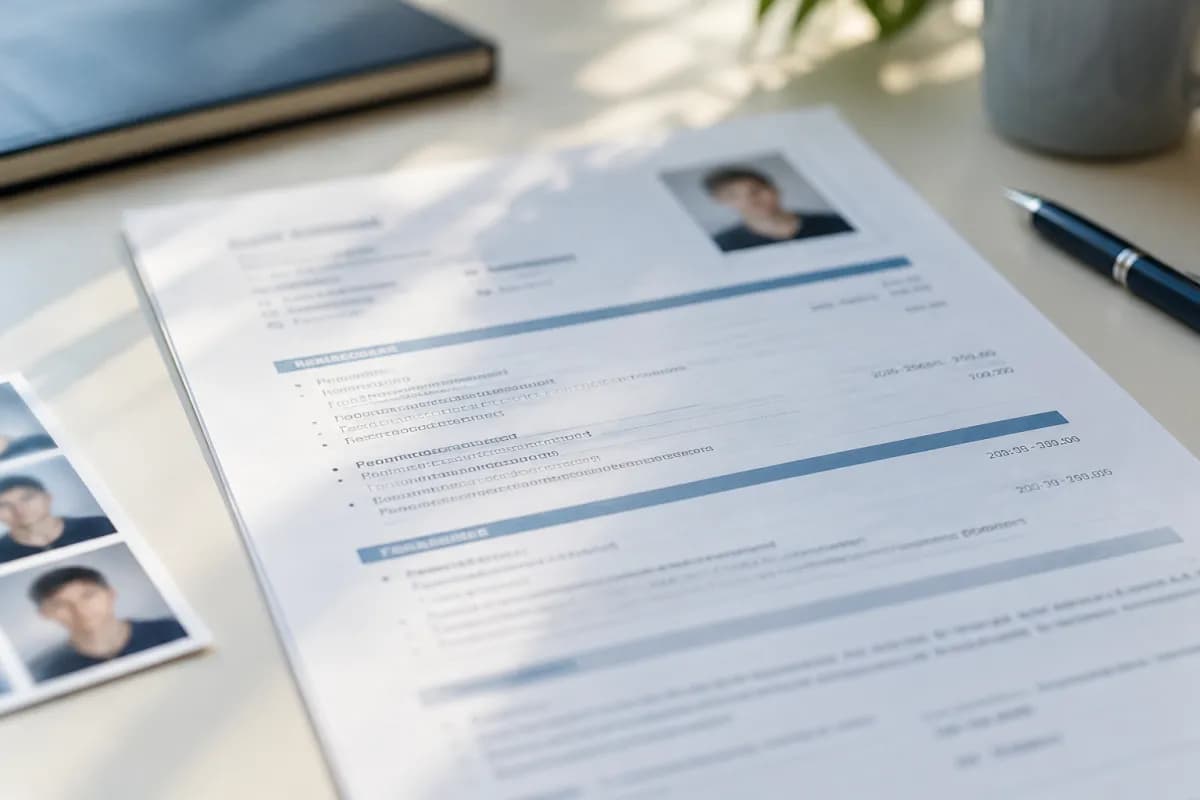
A photo can look normal on a resume in one country and out of place in another. Advice found online often comes from a single job market, so it may not apply to the job you want.
Start with the place you are applying, then look at the employer and the role. Treat the notes below as a general guide. Norms change, and they vary between industries and companies.
Where a photo is usually left out
In the United States, Canada, the United Kingdom, Ireland, Australia, and New Zealand, the usual advice is to leave your photo off. Employers in these markets often want to keep personal characteristics out of early hiring decisions, and a photo can make that harder.
Common exceptions are jobs where appearance is part of the work, such as acting or modeling. Those applications normally say what they need.
Where a photo is more common
In Germany, a professional photo has traditionally been a common part of a resume, and many applicants still include one. Practices are less uniform in France and other parts of Europe, where a photo may be common but optional.
In Japan, the standard resume form, known as a rirekisho, traditionally has a space for a photo. In South Korea, photos have also long been common, though practices there have been changing.
If you are applying in a market that is not listed here, look at local job boards and careers services. Examples from the same industry and country are more useful than a global rule.
Other personal details vary too
A photo is only one part of a wider difference between job markets. In some countries, resumes commonly include details such as date of birth, nationality, or marital status. In others, including them can look out of place, and employers may prefer not to see them.
Use the same approach you would for a photo. Look at recent local examples from your field, then include only what is expected and what you are comfortable sharing. You should not feel obliged to add personal information just because a template has a space for it.
Remember your online profiles
Leaving a photo off your resume does not stop a recruiter from seeing one online. Professional networking profiles usually have their own conventions, and a clear, friendly photo is often normal there, even in countries where resumes rarely include one.
If you use a photo in both places, keep them consistent. Our guide to making your LinkedIn profile support your resume explains how the two can work together.
Let the employer’s instructions decide
The application itself outranks any country guide. Some employers ask for a photo, while others ask you to remove personal details, including photos, to reduce bias in screening.
International companies may follow their own process rather than local custom. If you are applying to a global employer, check its careers page for guidance. When nothing tells you what to do and the market is mixed, leaving the photo out is usually the safer choice, because your experience still does the work.
If you do include one
Choose a photo that looks appropriate for a professional introduction:
- Use a recent picture that looks like you today.
- Choose a plain background and even lighting.
- Dress as you would for an interview in your field.
- Crop to your head and shoulders.
- Avoid group photos, casual snapshots, and heavy filters.
Keep it small, and place it near your name, usually in a top corner. It should not push your experience further down the page or take space from your most relevant work.
Check the file before you send it
Images can shift when a document is exported or increase its file size. Open the final file and confirm that the photo is in the right place and the text around it is still aligned. Our guide to choosing a resume file format covers what else to check before uploading.
If an online form asks you to copy your details into separate fields, review what it imported. Whether or not you use a photo, the reader should be able to find your experience quickly.