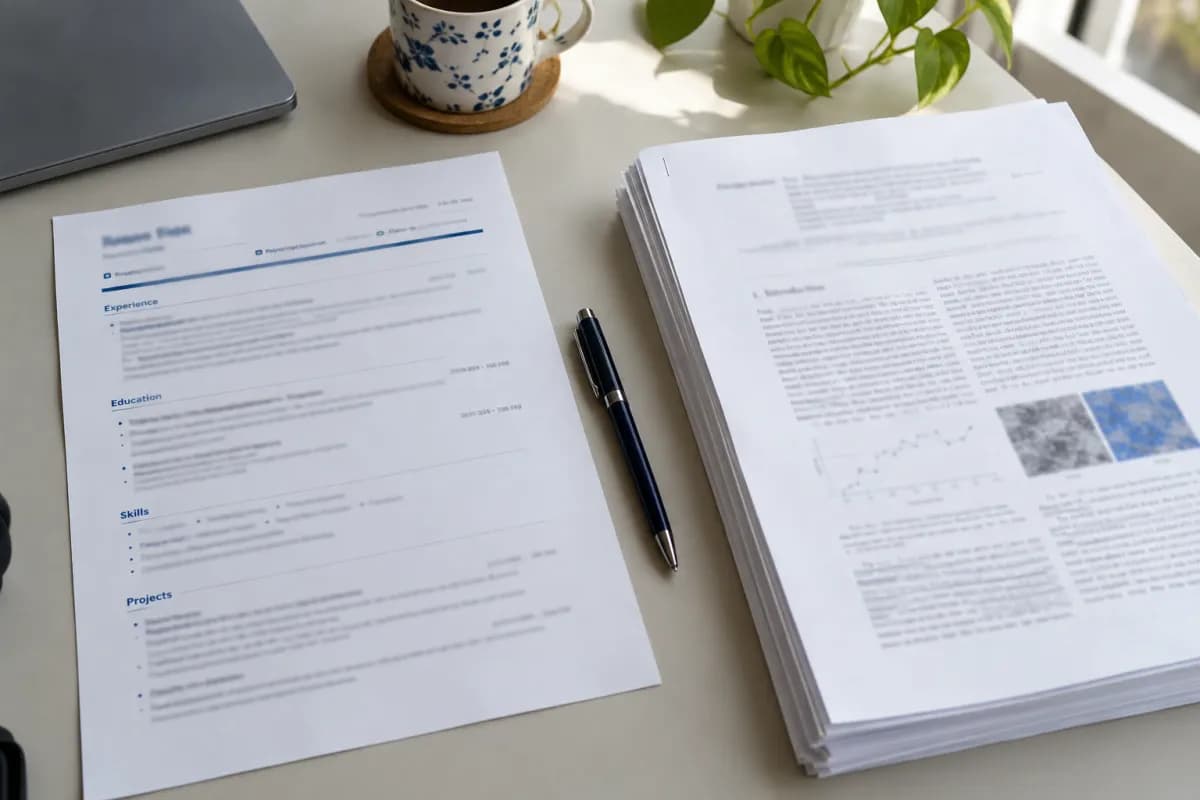
How long should a resume be? When one page is enough and when it isn’t
The right length depends on your experience, your field, and where you are applying. Use these guidelines to decide what stays and what goes.
 Maya Patel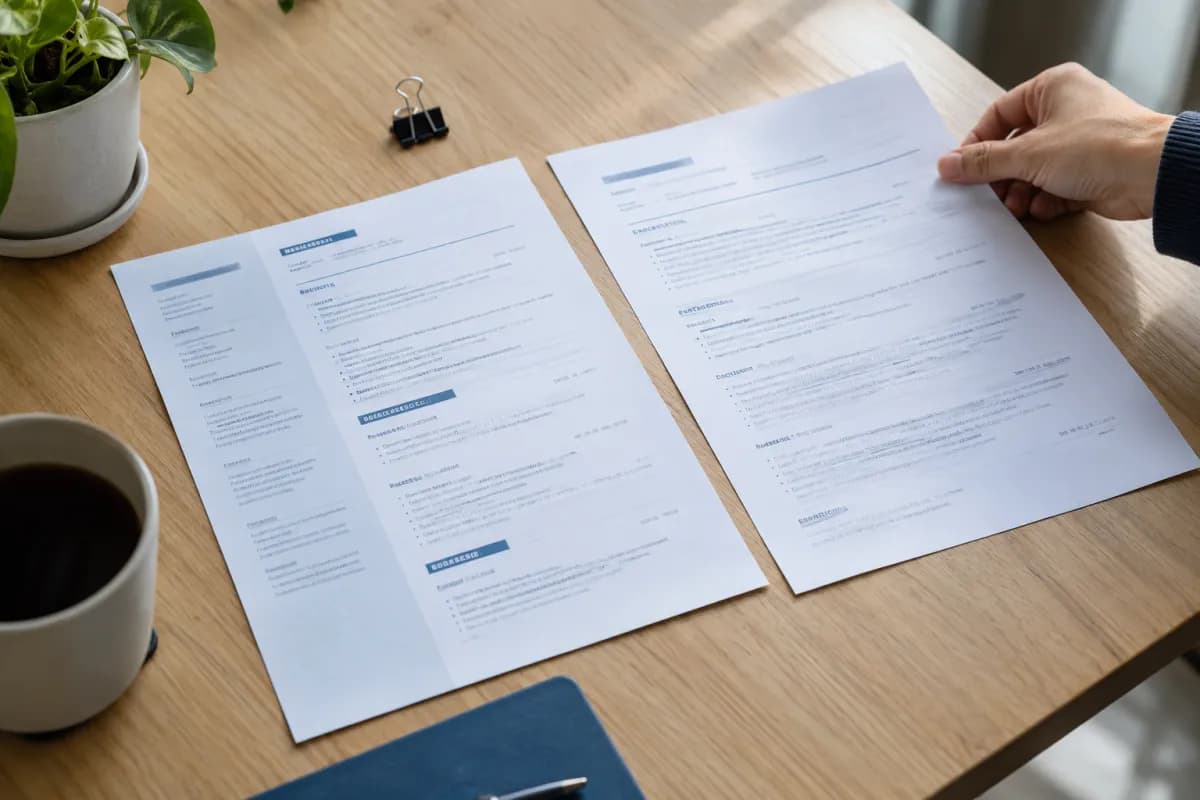
“Keep it to one page” is probably the most repeated piece of resume advice. It is a sensible starting point for many people, but it is not a universal rule.
A better question is whether every part of the document earns its space. A focused two-page resume serves a reader better than a crowded single page, and a thin second page serves them worse than a clean first one.
Start with your experience
These ranges are common guidelines, not fixed limits:
- Students and recent graduates: one page is usually enough.
- Early career: one page, or two if your recent work is directly relevant.
- Experienced professionals: two pages are common and widely accepted.
- Senior leaders: two pages is still a good target, with a third page only when the work calls for it.
If you are moving from one page to two, make sure the second page holds real substance. A few stray lines at the top of page two look unfinished. Either trim the content back to one page or develop it properly.
Check the local and field norms
Expectations change with location and industry. In the United Kingdom, a CV of about two pages is typical. Australian resumes often run longer. Academic and research applications use a fuller record, as explained in our guide to the difference between a CV and a resume.
Employers can also set their own rules. Since 2025, for example, USAJOBS has limited resumes for most US federal job applications to two pages. When an application states a limit, follow it, even if you usually use a different length.
Decide what to cut first
If you are over your target, remove material in this order:
- Work that has no connection to the role.
- Older positions, which can often be reduced to a title, employer, and dates.
- Bullets that repeat the same skill in different words.
- General claims with no example behind them.
- Lines such as “References available on request.”
Keep your strongest evidence in the top half of the first page. A reader who stops early should still see why you are a good match.
Combine lines before you delete them
Cutting does not always mean losing information. Two weak bullets can often become one strong one. Here is an illustrative example:
Before: Prepared weekly sales reports. Sent reports to regional managers. Updated the report format when requested.
After: Prepared and refined weekly sales reports for regional managers.
Organize a two-page resume well
If you do use two pages, make sure each one has a clear job. Your first page should hold your summary, your most relevant experience, and any key skills. The second page can carry earlier roles, education, certifications, and additional projects.
Do not save your best example for the second page. A reader will only turn the page if the first one gives them a reason to continue.
Add your name and a page number to the second page, so that it stays identifiable if the document is printed. Fill most of the page if you can. If the content only reaches a third of the way down, that is usually a sign to edit back to one page or to add relevant detail.
Avoid tricks that only look shorter
Tiny fonts and narrow margins can squeeze more words onto a page, but they make the document harder to read. They also leave the underlying problem in place, which is that the resume is trying to say too much.
Choose a readable font size and leave enough space around each section. If everything feels essential, tailor it to the job description, which often makes the choices clearer.
Check the length in the final file
A document can reflow when it is exported or opened on another computer. Save the final version, open that file, and count the pages there. Then read it once more, looking for awkward page breaks, such as a job heading stranded at the bottom of a page.
The right length is the one that lets a busy reader find your most relevant work quickly. Once you reach that point, stop adding and start polishing.